Are your AirPods your latest tech device that’s glitching? If they keep dropping connection or not pairing with your phone, then a reset can be worth trying before you spend money replacing them or asking an expert.
Not sure how to reset your AirPods? Let us help.
Why you might need to reset your AirPods
Resetting your AirPods can be the first port of call when they’ve stopped connecting to your iPhone, keep pairing to the wrong device or if one earbud is glitching compared to the other. If, for any reason, they’re misbehaving or the audio is poor quality, then a reset can be a quick fix.
A reset wipes all pairing history and restores the factory settings, a complete fresh start that can solve a lot of the basic glitch problems.
How to reset your AirPods
Resetting is the quickest of fixes, taking no more than two minutes.
-
Put both AirPods in the case and leave the lid open
-
Press and hold the set-up button on the back of the case for 15 seconds. The light should flash amber a few times, then white. Let go when the light turns white.
-
Re-pair them with your device by opening the case near your phone or via the phone’s Bluetooth settings.
That’s it! No real tech knowledge is needed, just reset and re-pair.
Does a reset work for all AirPod models?
Yes, whether you’ve got the AirPods Pro, Max or standard, the reset process is the same. The main difference is that the button is in a different place, but once you’ve found it, follow the same process.
Do a thorough clean
Whilst you’re at it, give your full case a once-over. Dust and dirt can build up in the charging port or in the bud spaces and can interfere with the connection. Take a soft, dry cloth and clean all the gaps carefully
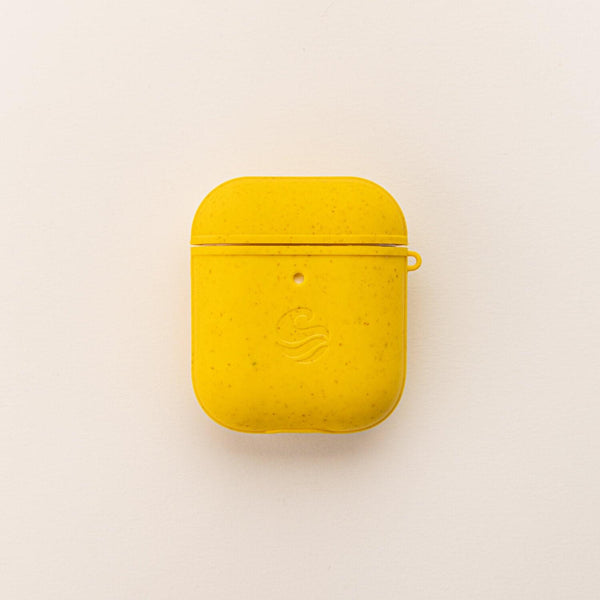
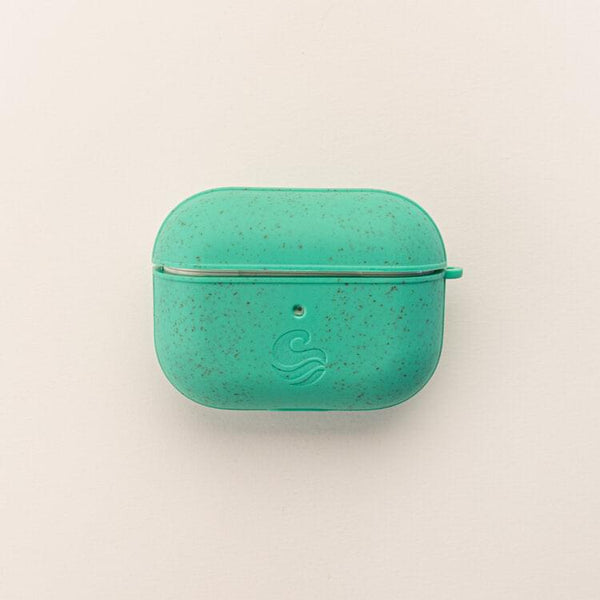
If your case is looking a little scuffed or scratched, it might be worth protecting it properly with an AirPods case to avoid any further damage.
Discover how best to clean your AirPods in the safest way, to help avoid any other issues with your audio device.
Resetting your AirPods is one of those turn it off and on again fixes that actually works. If you’re having any kind of connection or audio issue, it’s a first step before you spend money on replacements or fixes.
Check out our full range of iPhone accessories, including AirPod cases, to keep your Apple devices in the best condition and save you unnecessary stress.
Did your reset not work? Explore other AirPod troubleshooting tips to maintain your audio quality before you spend more money.
Enjoying the blog?
Stay in the loop with tips, product news, and exclusive offers.
By signing up, you agree to receive emails from Wave. You can unsubscribe at any time. View our Privacy Policy for details.
March 24, 2025
Keeping your Apple devices and accessories clean ensures they remain in top condition, free from dirt, dust, and bacteria. Whether you...
March 24, 2025
Apple’s AirPods are designed primarily for use with Apple devices, but that doesn’t mean you can’t use them with an Android...
March 24, 2025
The Apple Watch is more than just a smartwatch, it’s an extension of your personal style, a fitness companion, and can...
March 05, 2025
Your AirPods and Apple Watch are everyday essentials, but nothing’s more frustrating than running out of battery when you need them...
March 05, 2025
AirPods are a game-changer when it comes to wireless listening, offering seamless connectivity and impressive sound quality. However, like any tech,...
December 01, 2024
Connecting AirPods to your iPhone is a straightforward process, thanks to Apple’s seamless integration between devices. Whether you're setting them up...
June 28, 2026
Running out of storage on your iPhone can be frustrating. Whether you're trying to take more photos, download a new app...
September 10, 2025
It’s that time of year; the days are getting shorter, the leaves are starting to fall, and the world is preparing...
March 24, 2025
Apple’s AirPods are designed primarily for use with Apple devices, but that doesn’t mean you can’t use them with an Android...
March 24, 2025
The Apple Watch is more than just a smartwatch, it’s an extension of your personal style, a fitness companion, and can...
March 05, 2025
Your AirPods and Apple Watch are everyday essentials, but nothing’s more frustrating than running out of battery when you need them...
March 05, 2025
AirPods are a game-changer when it comes to wireless listening, offering seamless connectivity and impressive sound quality. However, like any tech,...
<div class="dynamic-checkout__content" id="dynamic-checkout-cart" data-shopify="dynamic-checkout-cart"> <shopify-accelerated-checkout-cart wallet-configs="[{"supports_subs":true,"supports_def_opts":false,"name":"shop_pay","wallet_params":{"shopId":55080714324,"merchantName":"Wave Case","personalized":true}},{"supports_subs":false,"supports_def_opts":false,"name":"paypal","wallet_params":{"shopId":55080714324,"countryCode":"GB","merchantName":"Wave Case","phoneRequired":false,"companyRequired":false,"shippingType":"shipping","shopifyPaymentsEnabled":true,"hasManagedSellingPlanState":null,"requiresBillingAgreement":false,"gatewayType":"CONNECTED","merchantId":"R5WW4P8JMM3BS","sdkUrl":"https://www.paypal.com/sdk/js?components=buttons\u0026commit=false\u0026currency=GBP\u0026locale=en_US\u0026client-id=AexZEtAxk09Ncgj6FSWFFyGKbxxAZ_LTyJ2DPdJWl1YUlecinmc5AfIaRF2qYjWlusWahlzz6SVkY5Ci\u0026merchant-id=R5WW4P8JMM3BS\u0026intent=authorize","serviceableCountryCodes":["AC","AD","AE","AF","AG","AI","AL","AM","AO","AR","AT","AU","AW","AX","AZ","BA","BB","BD","BE","BF","BG","BH","BI","BJ","BL","BM","BN","BO","BQ","BR","BS","BT","BW","BY","BZ","CA","CC","CD","CF","CG","CH","CI","CK","CL","CM","CN","CO","CR","CV","CW","CX","CY","CZ","DE","DJ","DK","DM","DO","DZ","EC","EE","EG","EH","ER","ES","ET","FI","FJ","FK","FO","FR","GA","GB","GD","GE","GF","GG","GH","GI","GL","GM","GN","GP","GQ","GR","GS","GT","GW","GY","HK","HN","HR","HT","HU","ID","IE","IL","IM","IN","IO","IQ","IS","IT","JE","JM","JO","JP","KE","KG","KH","KI","KM","KN","KR","KW","KY","KZ","LA","LB","LC","LI","LK","LR","LS","LT","LU","LV","LY","MA","MC","MD","ME","MF","MG","MK","ML","MM","MN","MO","MQ","MR","MS","MT","MU","MV","MW","MX","MY","MZ","NA","NC","NE","NF","NG","NI","NL","NO","NP","NR","NU","NZ","OM","PA","PE","PF","PG","PH","PK","PL","PM","PN","PS","PT","PY","QA","RE","RO","RS","RU","RW","SA","SB","SC","SD","SE","SG","SH","SI","SJ","SK","SL","SM","SN","SO","SR","SS","ST","SV","SX","SZ","TA","TC","TD","TF","TG","TH","TJ","TK","TL","TM","TN","TO","TR","TT","TV","TW","TZ","UA","UG","UM","US","UY","UZ","VA","VC","VE","VG","VN","VU","WF","WS","XK","YE","YT","ZA","ZM","ZW"]}}]" access-token="cc226eff48933b8f557c9f56ed3e00aa" buyer-country="GB" buyer-locale="en" buyer-currency="GBP" shop-id="55080714324" cart-id="e1447e775f663ee6b984b46d5a59c005" enabled-flags="["1172c16a","a1d1f9a1","f5afabb3","370070f3","b311f899"]" > <div class="wallet-button-wrapper"> <ul class='wallet-cart-grid wallet-cart-grid--skeleton' role="list" data-shopify-buttoncontainer="true"> <li data-testid='grid-cell' class='wallet-cart-button-container'><div class='wallet-cart-button wallet-cart-button__skeleton' role='button' disabled aria-hidden='true'> </div></li><li data-testid='grid-cell' class='wallet-cart-button-container'><div class='wallet-cart-button wallet-cart-button__skeleton' role='button' disabled aria-hidden='true'> </div></li> </ul> </div> </shopify-accelerated-checkout-cart> </div>